PostgreSQL: Update on a Gespage server running Windows
It is possible to update PostgreSQL independently of Gespage; however, it is recommended to stick with the major version used by default in Gespage.
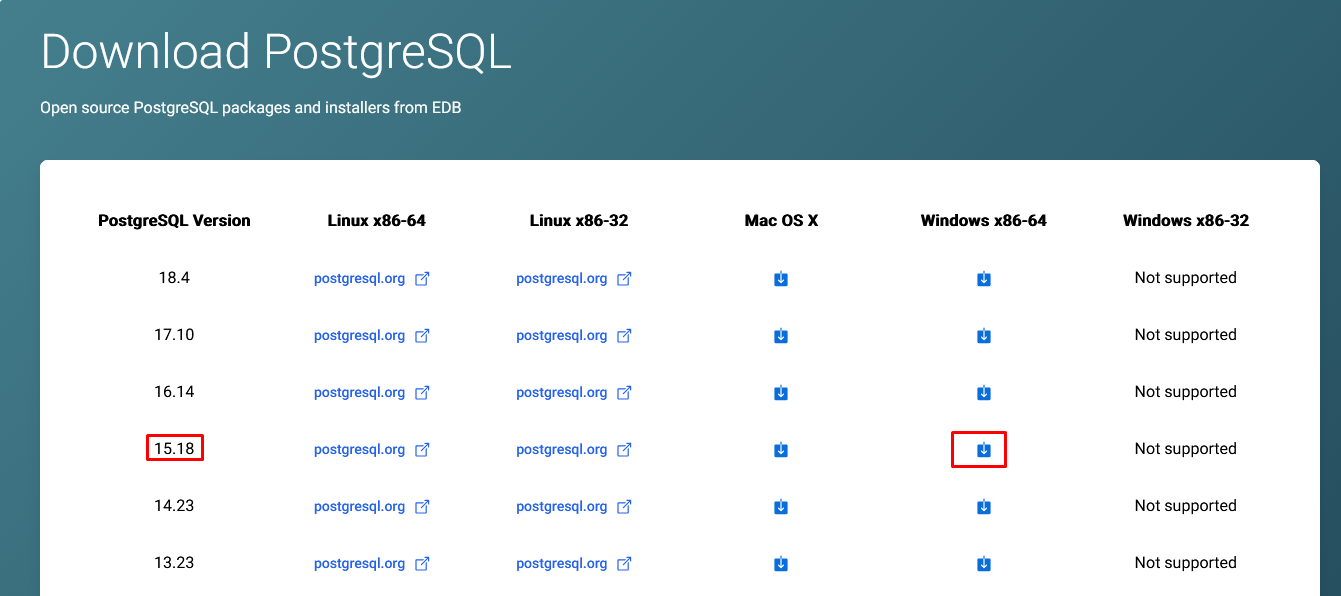
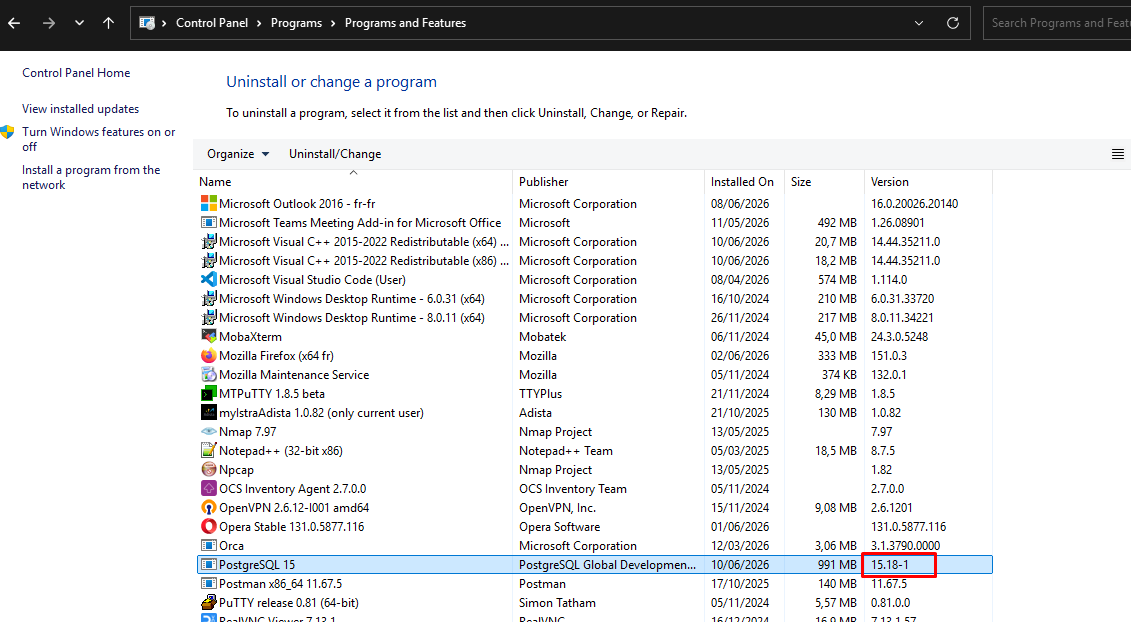
In our example, the version of PostgreSQL installed with Gespage is 15.14. The latest version for PostgreSQL version 15 is 15.18, so we will update to that version.
First, you need to download the PostgreSQL version from the EDB website: https://www.enterprisedb.com/downloads/postgres-postgresql-downloads
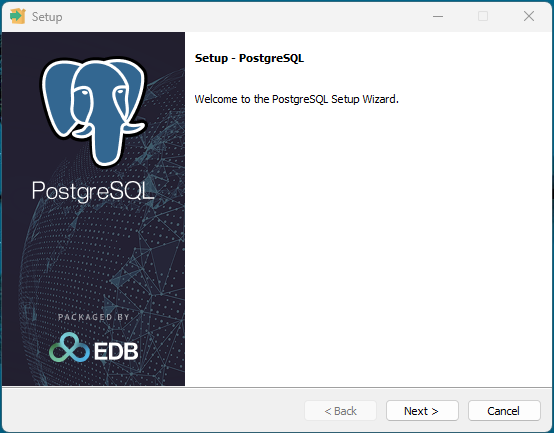
The, launch the installer file:
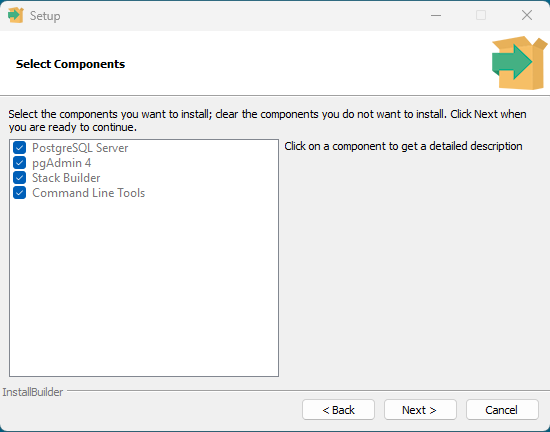
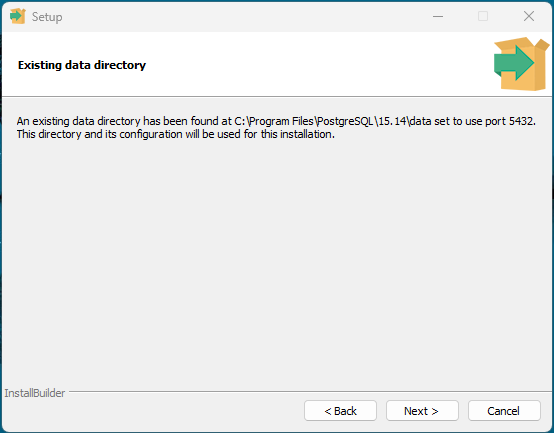
The previous version has been successfully detected, and the current configuration will be preserved:
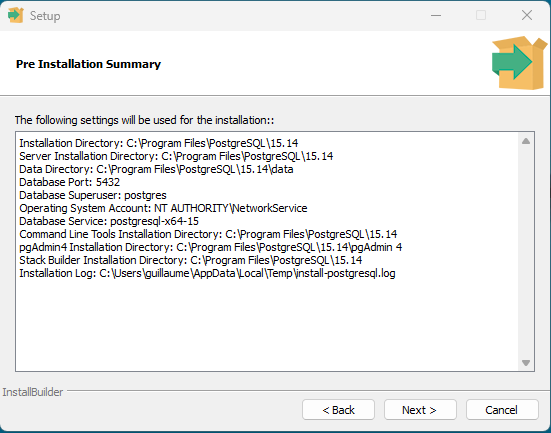
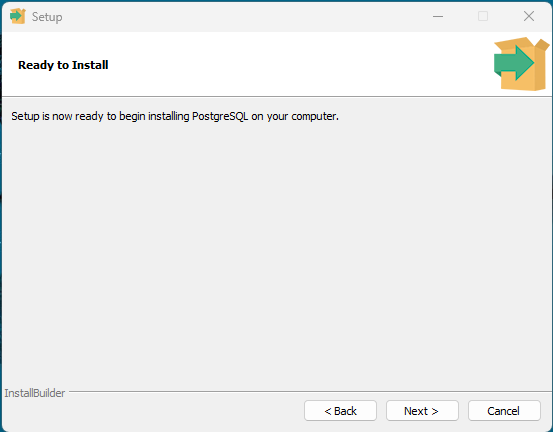
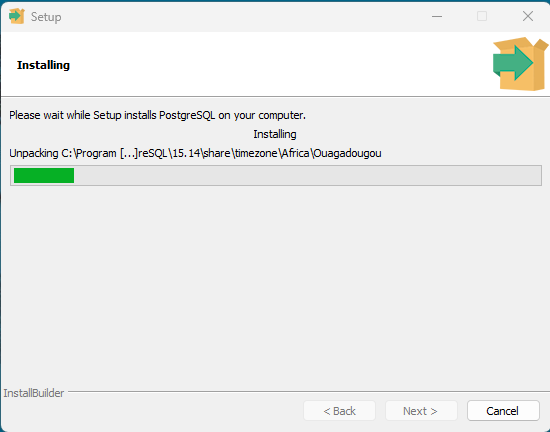
Then you have to wait for the update to finish:
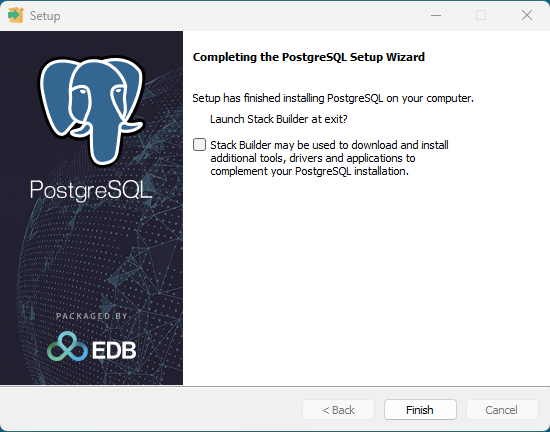
At the end of the update, you will be prompted to install Stack Builder. This option is not necessary, so you can uncheck the box:
While the database is being updated, the Gespage application is unavailable.
However, there is no need to restart Gespage once the PostgreSQL update is complete; the application will automatically reconnect to the database.
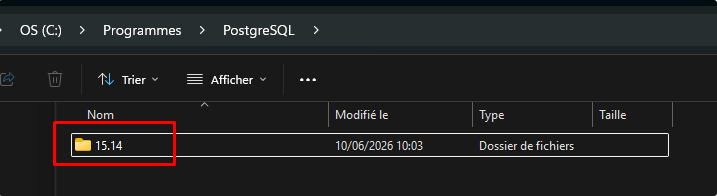
NOTE: During an update, the name of the postgresql folder is not updated and therefore remains 15.14, for example:
The version that is currently installed and can be viewed in the Control Panel, under the “Installed Programs” menu:
Was this article helpful?
That’s Great!
Thank you for your feedback
Sorry! We couldn't be helpful
Thank you for your feedback
Feedback sent
We appreciate your effort and will try to fix the article