Getting Started with Remote Control - Fujifilm MFP
1. Access the copier's web interface
2. Log in as an administrator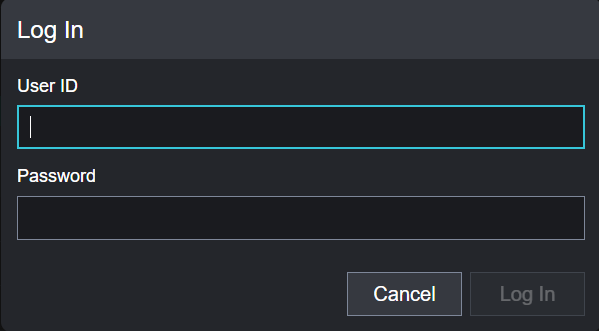
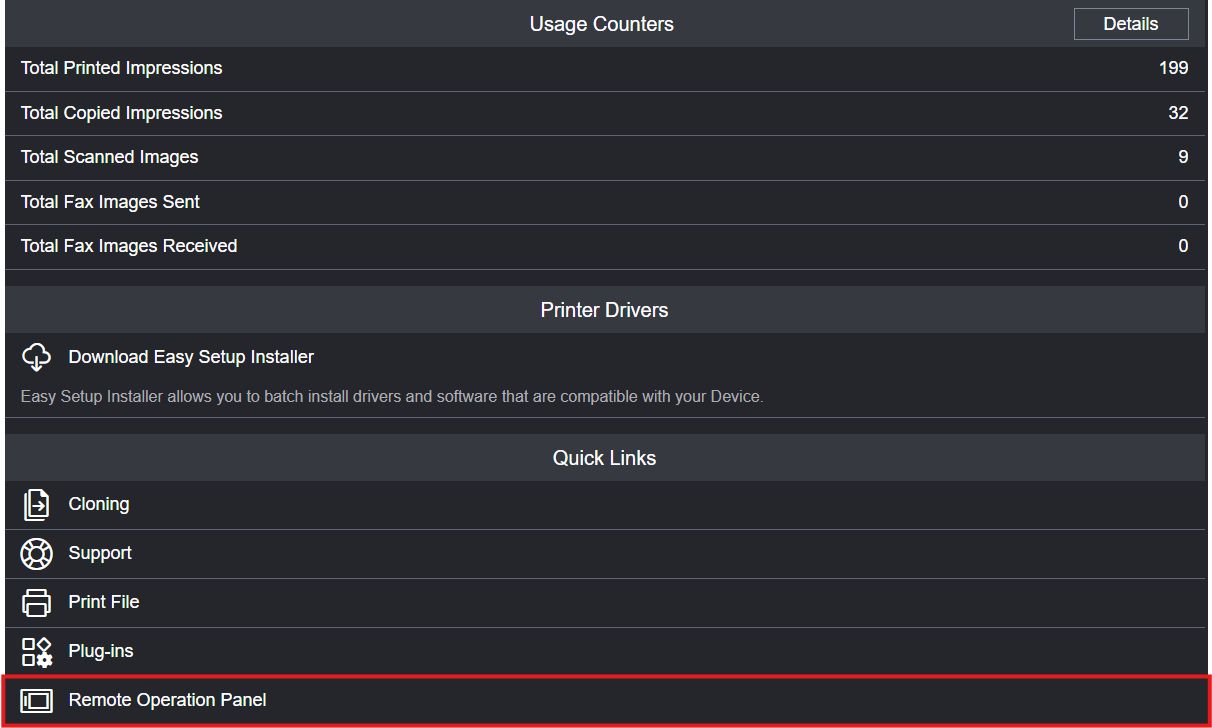
3. Scroll down to the bottom of the page and click on "Remote Operation Panel"
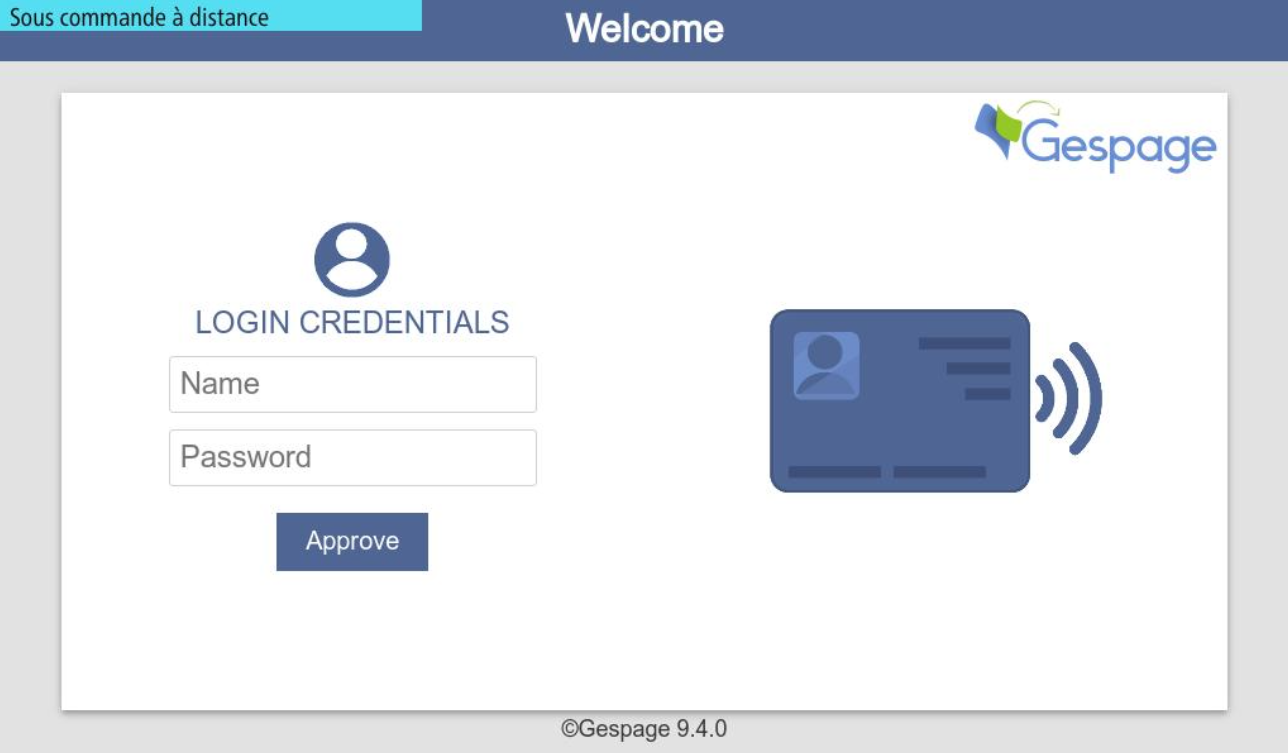
4. You will then be connected to the live screen of your MFP
Was this article helpful?
That’s Great!
Thank you for your feedback
Sorry! We couldn't be helpful
Thank you for your feedback
Feedback sent
We appreciate your effort and will try to fix the article