Manual Installation Procedure for PostgreSQL
Before installing PostgreSQL, ensure to confirm with Gespage support that your PostgreSQL version is compatible with the database version.
Windows :
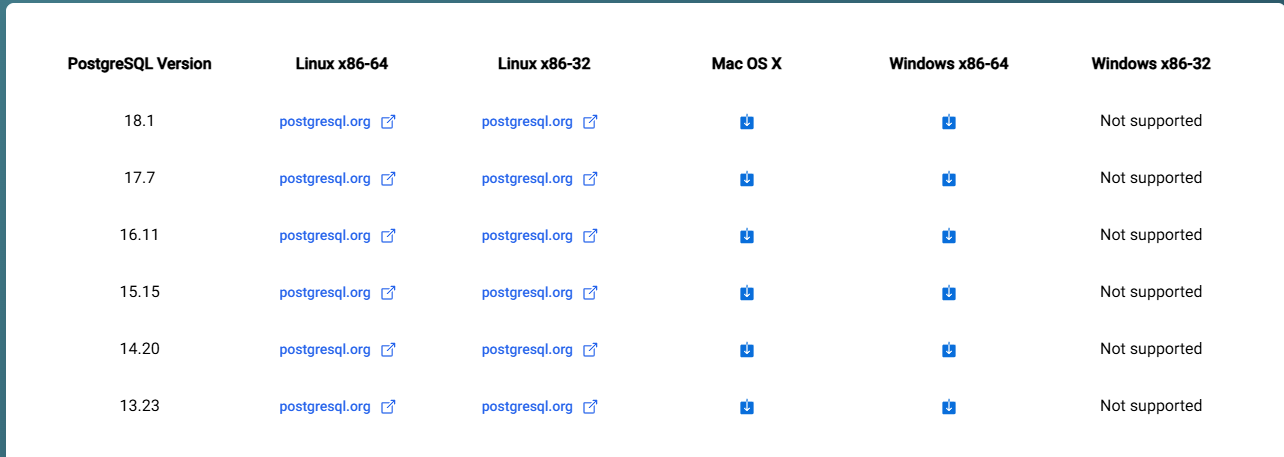
Go to the following page: EDB: Open-Source, Enterprise Postgres Database Management, and click the download logo for the desired version.
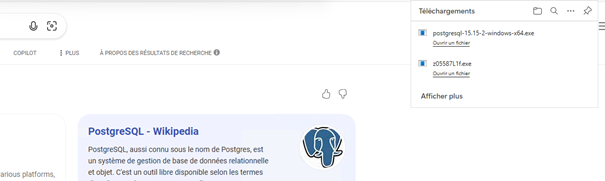
Once downloaded, click on open:
Once in the installer, click next until the installation completes
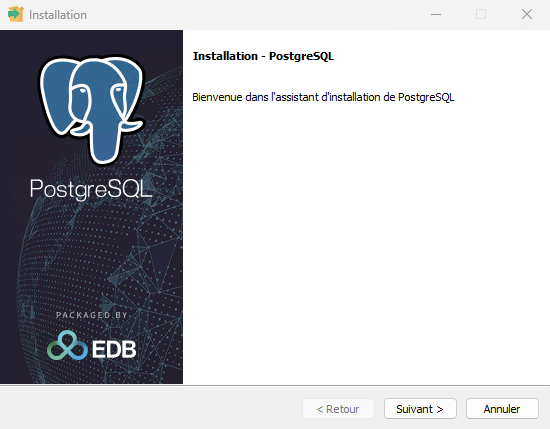
You have now installed PostgreSQL on your Windows server!
Linux :
Go to https://www.postgresql.org/download/ and choose your Linux distribution
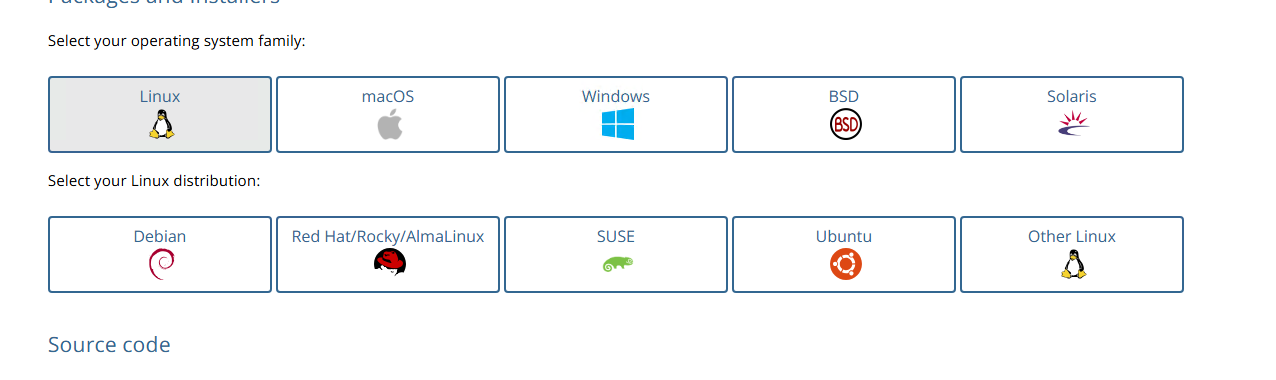
Then, simply follow the listed steps
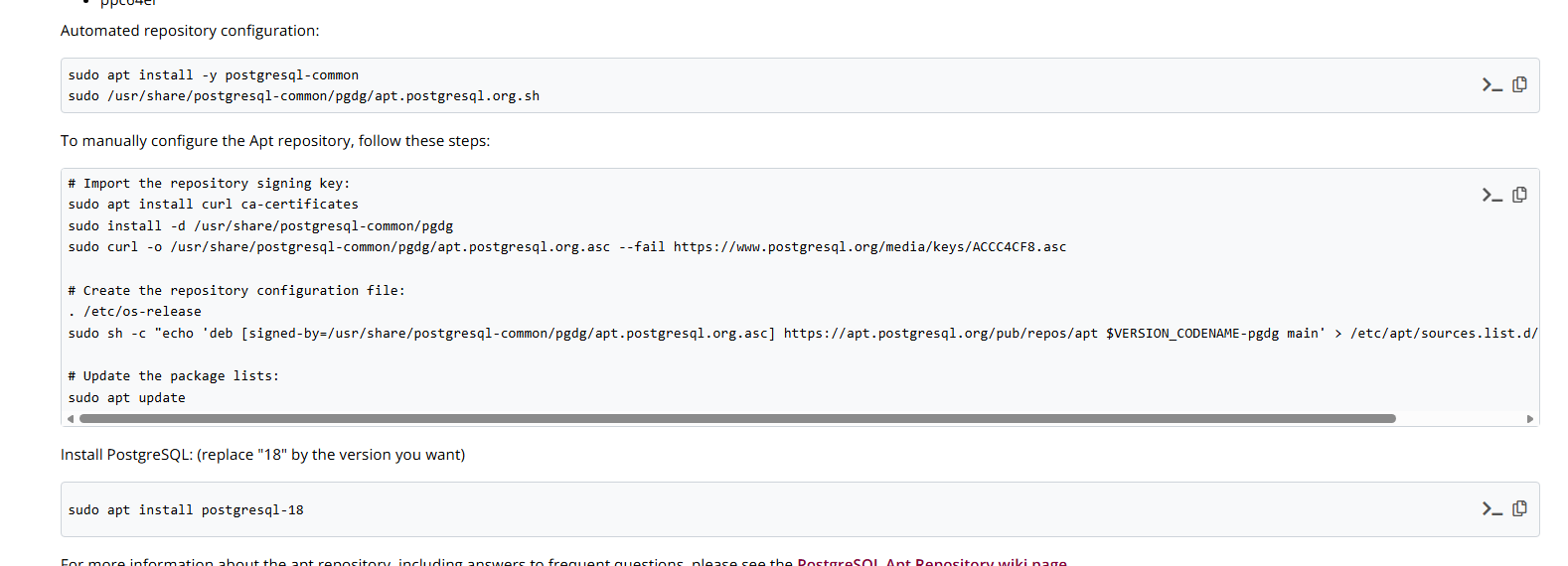
You have now installed PostgreSQL on your Linux server!
Was this article helpful?
That’s Great!
Thank you for your feedback
Sorry! We couldn't be helpful
Thank you for your feedback
Feedback sent
We appreciate your effort and will try to fix the article